

Latest Version
Hiroshi Kakuda
Security
Mac
Free
6446798088
Report a Problem
More About Account - information manager
A Smarter Way to Map Your Digital Footprint
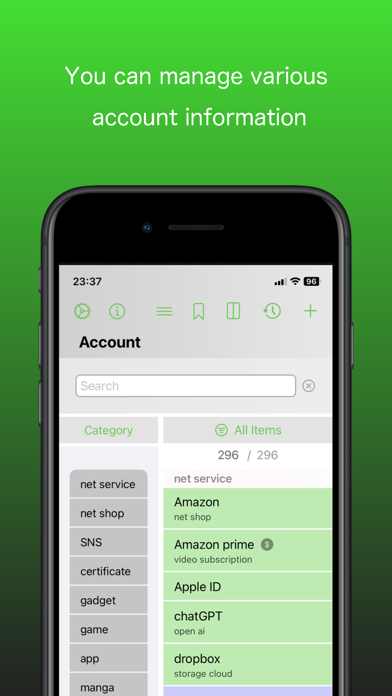
Managing our digital presence has become increasingly complex. Between subscription services, multiple online stores, membership cards, and work-related credentials, keeping track of how everything connects is a major challenge. Account - information manager by Hiroshi Kakuda offers a fresh, relational approach to organizing your personal data on macOS, moving far beyond the capabilities of a standard flat list password keeper.
The Power of Relational Data Linking
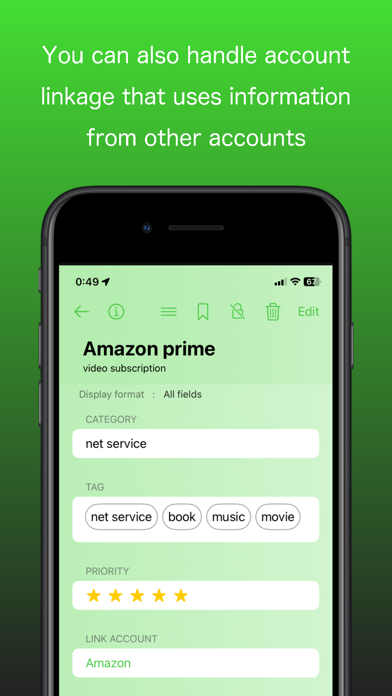
The standout feature of Account - information manager is its ability to build intelligent, traceable relationships between different entries. Instead of just storing isolated blocks of text, you can easily link items together to answer practical everyday questions:
- Which specific bank card is currently linked to your online retail accounts?
- What login credentials belong to a particular software application?
- Which email alias did you use to sign up for a specific subscription?
By mapping these connections, the app transforms your raw data into an interactive, easy-to-navigate network of your digital assets.
Robust Security and macOS Integration
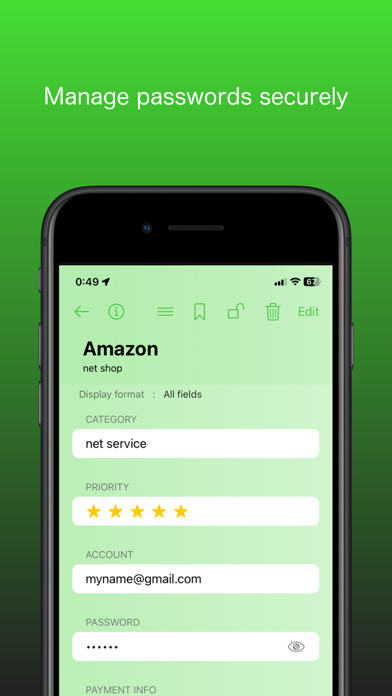
When dealing with sensitive credentials and payment data, security is paramount. Account - information manager is built with Apple's secure ecosystem in mind, utilizing Apple’s Keychain to safeguard your information. Users can unlock the application seamlessly and securely using Face ID or Touch ID, ensuring that your data remains private yet highly accessible when you need it.
For those using multiple devices within the ecosystem, the app supports seamless iCloud synchronization across Mac, iPad, and iPhone. This ensures your connected database is always up to date, backed up automatically, and ready whenever you need to reference a crucial piece of information.
Advanced Management Tools for Power Users
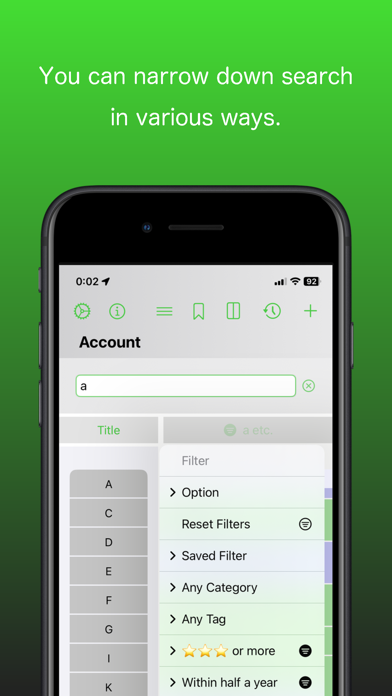
Whether you have dozens or thousands of entries, keeping everything structured is effortless. The application includes several advanced utility features designed for comprehensive digital housekeeping:
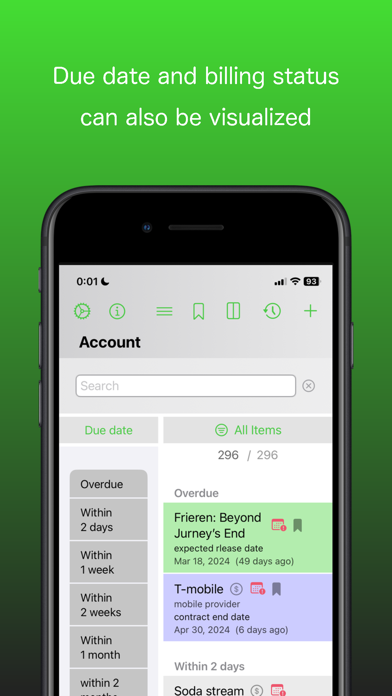
- Smart Expiration Tracking: Receive timely notifications before credit cards, memberships, or official documents expire.
- Multi-Factor Authentication: Store two-factor authentication (2FA) details right alongside your main credentials.
- Password Health Check: Identify reused passwords quickly to improve your overall security posture.
- Flexible Data Export: Need to share specific, non-sensitive details? You can export arbitrary data as a password-protected PDF.
Is It Right for You?
If you are looking for more than just a simple password vault and want to truly understand and organize the relationships between your accounts, cards, and digital services, this utility is an excellent fit. It provides the structure, security, and flexibility needed to regain control of your digital life.
To experience this connected information ecosystem firsthand, head over to the official Mac App Store to download the app and start organizing your data today.
Rate the App
User Reviews

Popular Apps










Editor's Choice