

Latest Version
IBILITIES, INC.
Security
Mac
Free
1561862112
Report a Problem
More About iPIN2 - Password Manager
Streamlining Your Digital Security with iPIN2
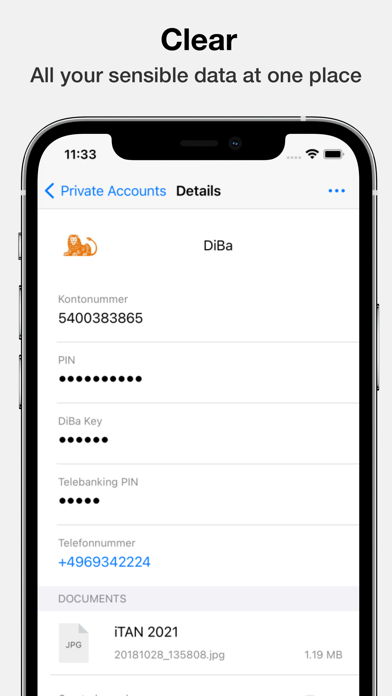
Managing a multitude of secure credentials can easily become overwhelming. From credit card PINs and online banking details to security tokens and email accounts, the modern digital lifestyle demands constant vigilance. The iPIN2 - Password Manager offers a streamlined, highly focused solution designed to store and display your critical access codes on Mac, iPadOS, and iOS devices with absolute simplicity.
Developed by IBILITIES, INC., this application prioritizes the "KISS" (Keep It Simple and Secure) principle. Rather than cluttering your workflow with non-essential features, it concentrates entirely on providing fast, secure access to your credentials when you need them most.
Key Capabilities: What Can You Do with iPIN2?
The utility of iPIN2 - Password Manager lies in its practical everyday features that help you organize and access your sensitive data without unnecessary friction:
- Biometric Integration: Access your vault in a fraction of a second using Touch ID or Face ID login options.
- System-Wide Autofill: Utilize the built-in AutoFill Extension to populate credentials directly into your browsers and system prompts.
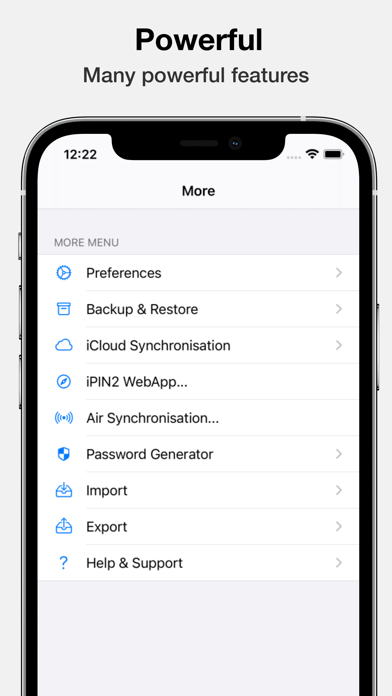
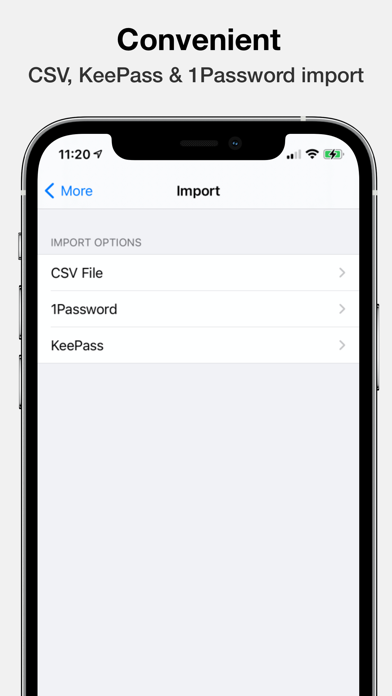
- Seamless Data Migration: Import your existing vaults directly from KeePass and 1Password, or utilize standard CSV import and export functions.
- Flexible Backups: Securely back up your database, restore your configuration, or export your records to a clean PDF format.
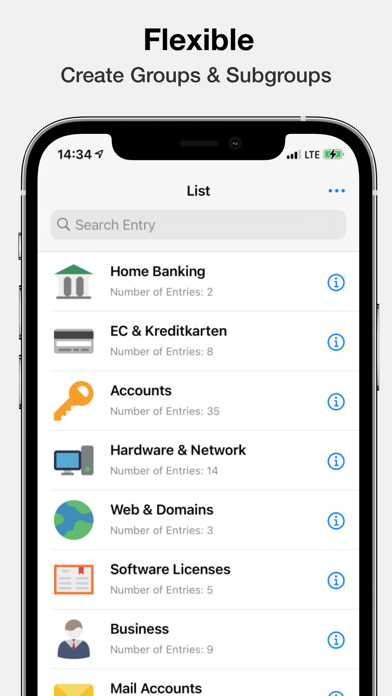
- Visual Customization: Organize your entries with over 450 built-in icons, or upload custom graphics to quickly distinguish different accounts.
Robust AES-256 Encryption Built-In
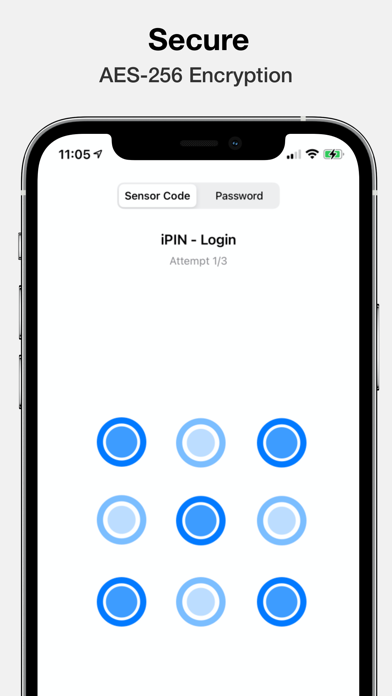
When dealing with sensitive credentials, security is the top priority. The iPIN2 - Password Manager employs the Advanced Encryption Standard with a 256-bit key length (AES-256). This enterprise-grade encryption secures your local database as well as any cloud data if you choose to enable iCloud synchronization. Your vault remains protected from unauthorized access, even if your physical Mac or iOS device falls into the wrong hands.
Cross-Platform Support and Family Sharing
For users operating within the Apple ecosystem, the application provides excellent value. A single Pro subscription upgrade unlocks advanced capabilities across macOS, iOS, and iPadOS. Additionally, the Pro license supports Apple's Family Sharing, allowing up to six family members to manage their individual secure vaults under a single subscription plan.
Is iPIN2 - Password Manager Right for You?
If you are looking for an overly complex suite with built-in browsers and collaborative team tools, this might not be your primary choice. However, if you want a clean, lightning-fast utility focused strictly on keeping your PINs and passwords safe and accessible, this tool delivers exceptional performance. To explore its capabilities firsthand, visit the official Apple App Store to download the application on your Mac.
Rate the App
User Reviews

Popular Apps










Editor's Choice